
Real-time answer guidance
Get AI-generated suggestions during an interview session to help you find a starting point and keep your answer structured. Check each suggestion against what you actually know and have done.
An interview can move quickly. MockTalkAI helps you organize a response with real-time AI guidance, question search and screenshot assistance. Use the suggestions to support your own experience and judgment.
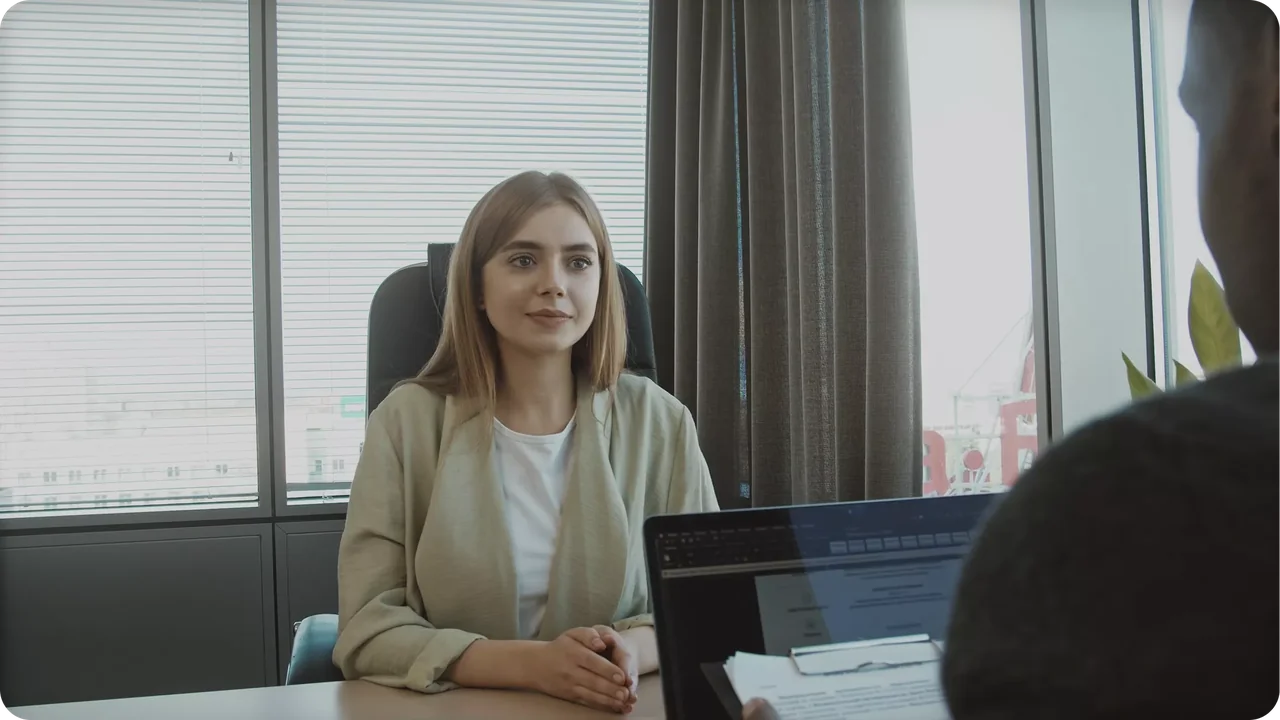
Choose the kind of help that fits the moment, then shape the response in your own words.
Get AI-generated suggestions during an interview session to help you find a starting point and keep your answer structured. Check each suggestion against what you actually know and have done.
Use question search when you need a reference point for a topic. Turn a suggested approach into a response that reflects the role and your own examples.
When relevant information is on screen, screenshot assistance provides another way to ask for help. Review what you share and avoid submitting unnecessary personal or confidential information.
Review the job description and choose projects you can discuss in detail. If you need a rehearsal first, start with AI mock interview practice.
Open MockTalkAI and follow the current app guidance for permissions and session setup. Test your audio and chosen meeting setup before relying on assistance in an interview.
Use guidance to organize your thoughts. Verify details, adapt the wording and follow the interviewer's rules about external tools. AI suggestions can be incomplete or incorrect.
Before your first session, follow the download and setup guide and test your device and audio configuration.
To rehearse first, try AI mock interview practice using examples from your experience.
After a supported session, use interview feedback and analysis to decide what to improve next.
It is a tool that provides guidance while a conversation is taking place. MockTalkAI offers real-time answer guidance, question search and screenshot assistance, alongside preparation and review features.
No. A mock interview is a practice session before the real conversation. Live assistance supports a session as it happens. Choose practice when you want to rehearse; choose real-time assistance when the session and its rules allow it.
Check the employer's rules and get any required permission first. Availability also depends on the app version, operating system, permissions and meeting setup. Test your own configuration before an interview.
No. AI-generated suggestions may miss context or contain errors. You remain responsible for checking information and representing your own skills and experience accurately.
Bring your experience. Use AI guidance to work on how you explain it.
Open MockTalkAI